


Overview
There are times when you may need to know your MTN phone number but cannot remember it. This often happens after purchasing a new SIM card, using a secondary line or returning to a SIM card that has not been used for some time.
Fortunately, MTN Nigeria provides several easy ways to check your phone number. Whether you use a smartphone or a basic feature phone, you can retrieve your number using a USSD code, by calling or texting another phone, checking your device settings or contacting MTN customer support.
This guide explains the different methods you can use to check your MTN number quickly and easily.
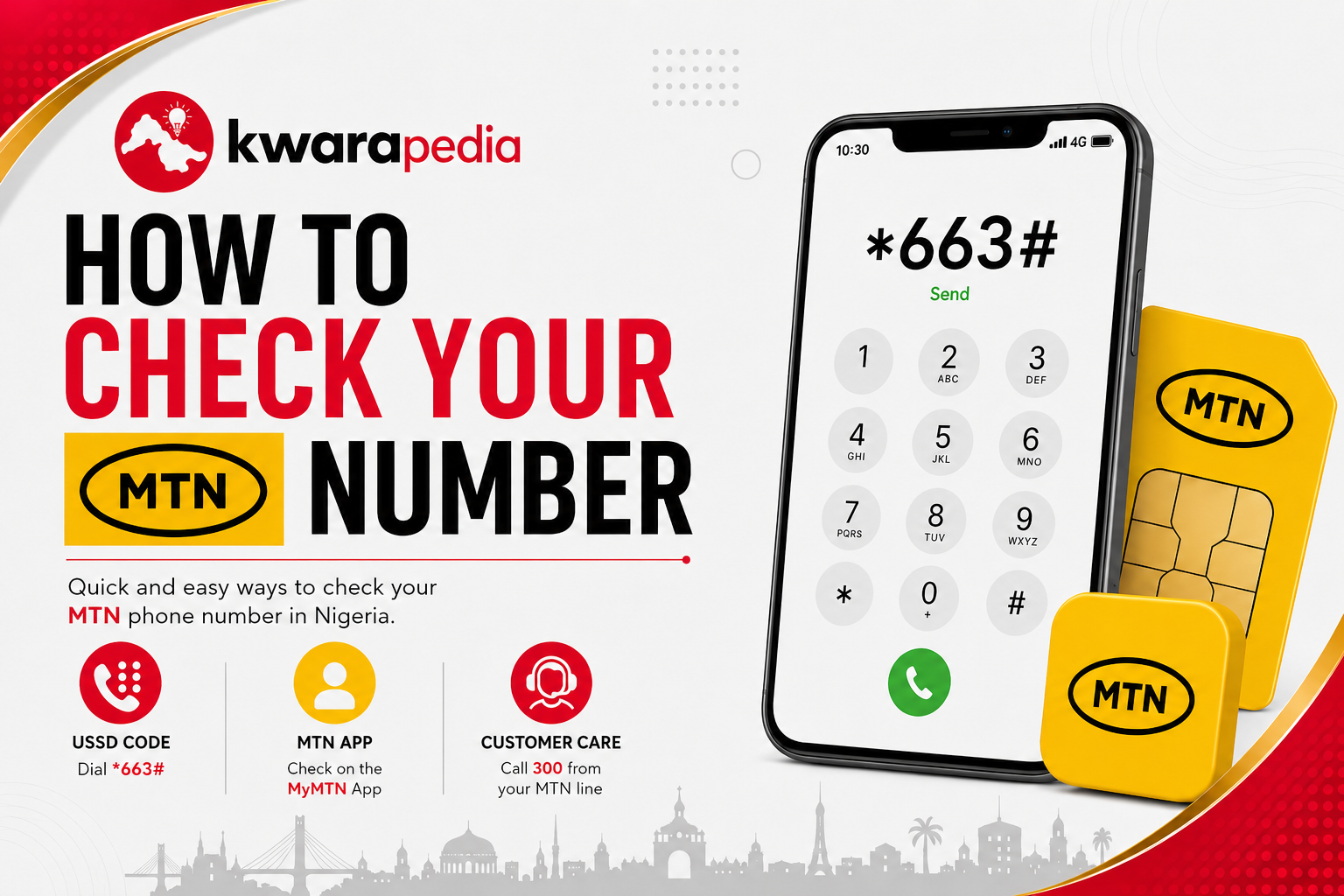
Method 1: Use the MTN Short Code
MTN provides a dedicated short code for checking your phone number.
Steps
- Dial *663#.
- Your MTN number will appear on your phone screen within a few seconds.
This is one of the quickest methods available.
Method 2: Check Your MTN Number Using a USSD Code
The most popular way to know your MTN number is by using the official USSD service.
Steps
- Dial *123# on your MTN line.
- Select Account Information (the menu option may vary).
- Select My Number.
- Your MTN phone number will be displayed on your screen.
This method works on both smartphones and feature phones and does not require an internet connection.
Method 3: Call or Flash Another Phone
If you have another phone nearby, you can simply:
- Call the other phone, or
- Flash (missed call) the number.
Your MTN number will appear on the recipient’s screen.
Method 4: Send an SMS
You can also send a text message to another mobile phone.
Simply:
- Open your Messages app.
- Send any message to another phone.
- Your MTN number will appear as the sender.
Method 5: Check Your Phone Settings
If your SIM information has been saved on your device, you may be able to view your MTN number through your phone settings.
On Android
- Open Settings.
- Tap About Phone or About Device.
- Select SIM Status, Phone Number, or SIM Card Information.
The exact menu varies depending on your phone manufacturer.
On iPhone
- Open Settings.
- Tap Phone.
- Your number may appear under My Number.
If the field is blank, try one of the other methods in this guide.
Method 6: Use the MyMTN App
If you have already registered for the MyMTN mobile app:
- Open the app.
- Log in.
- Your MTN number is usually displayed on the home screen or in your account profile.
This method requires an internet connection.
Method 7: Contact MTN Customer Care
If none of the above methods works, you can contact MTN Customer Care on 300 for assistance.
You may be asked to verify your identity before your phone number is disclosed.
Conclusion
Checking your MTN phone number is quick and straightforward. Whether you use the official USSD code, call another phone, check your device settings or use the MyMTN app, there are several convenient ways to retrieve your number whenever you need it.
Among these methods, dialing